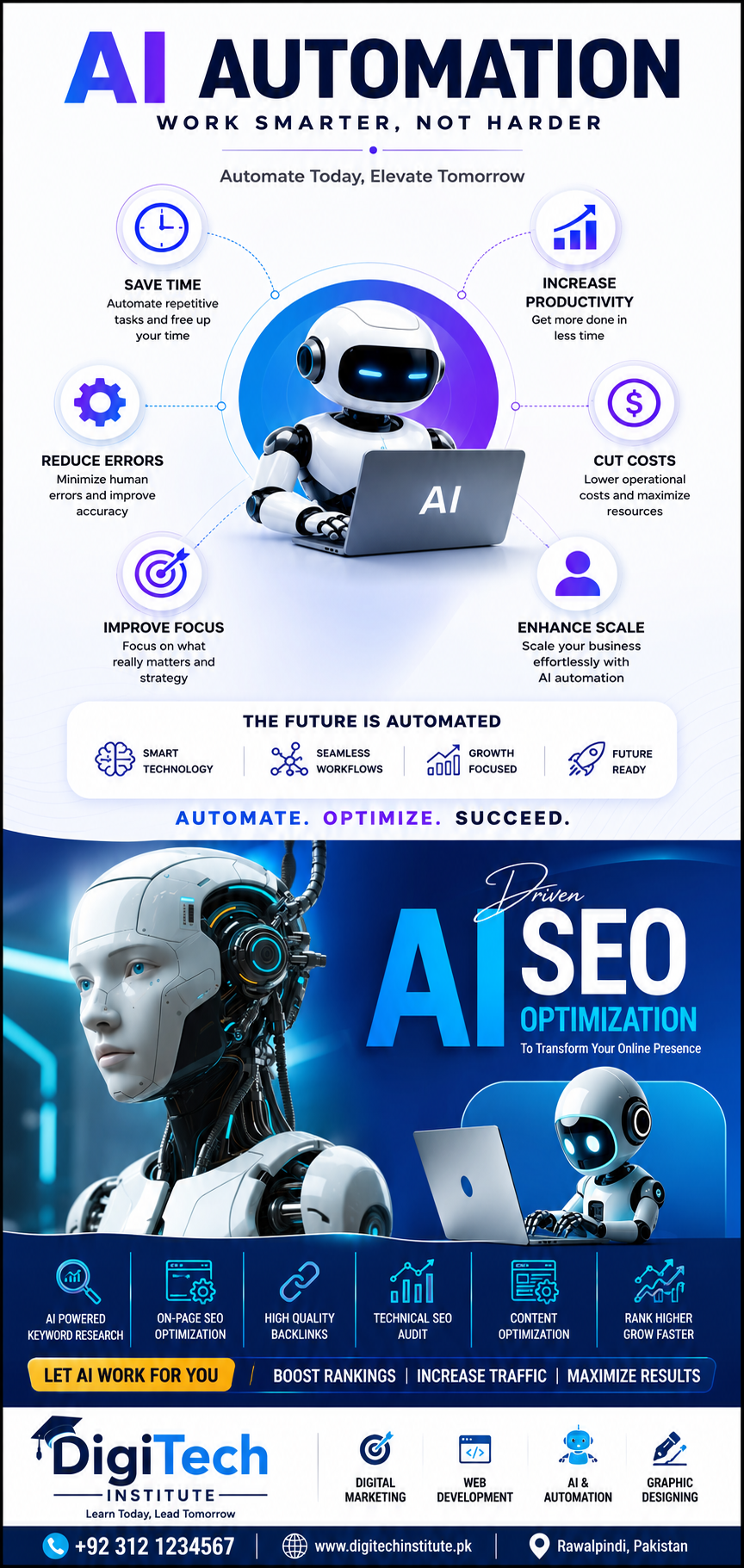
Will AI Replace Your Job? How to Stay Relevant with AI Tools in 2026
Every day brings a new headline: AI writes, AI designs, AI codes, AI answers customers. If you work in an office, teach, design, or write for a living, a reasonable question follows — is my job next? And underneath it, a harder one: if I do not have a technical background, where do I even start?
First, breathe. The fear is understandable, but the picture is more specific than the headlines suggest — and the practical response is a skill you can learn in weeks, not a new career.
Short answer: AI replaces tasks, not whole people — repetitive drafting, first drafts and routine data work are most exposed, while judgement, client trust, local context and accountability are not. The workers at highest risk are those who refuse the tools; the protection is learning to direct AI well, so your output rises instead of your role shrinking.
What AI Actually Replaces — and What It Cannot
What AI is genuinely good at today: producing first drafts of emails, reports and posts; summarising long documents; drafting social media captions; generating image and video starting points; cleaning and organising spreadsheet data; and answering routine questions in a chat window. If a large part of someone’s day is copying, reformatting and first-drafting, that part is exposed.
What AI cannot do: take responsibility for a decision, understand a local client and their context, hold a relationship of trust, judge whether a draft is actually true or appropriate, or know what a Rawalpindi business owner really meant when they gave a vague brief. A tool that produces plausible text is not a person who can be accountable. That gap is where your value lives — if you learn to work on the judgement side of the tool rather than competing with it on the drafting side.
The pattern across every wave of workplace technology is the same: the people who learn the new tool early do more valuable work with it; the people who ignore it find their old tasks quietly shrinking. The risk is not that AI replaces you tomorrow. The risk is that a colleague who uses AI well produces twice your output, and the comparison eventually answers itself.
The 7 AI Tools Working Pakistanis Should Know
You do not need to master everything. You need a working familiarity with seven types of tool, each of which maps to ordinary office, teaching, or creative work:
- Chat assistants — the ChatGPT, Gemini and Claude class of tools. Use them to draft, brainstorm, summarise, explain a document, and rephrase a message for a different audience. Your skill is the prompt: clear context, a stated goal, and a check of the result.
- Canva AI — design for non-designers: social posts, presentations, CV layouts and simple branding, with AI text, background and image help built in.
- AI image tools — generate product shots, post visuals and mock-ups as starting points, then edit them into something that actually fits your business or lesson.
- AI video tools — turn a script or a set of images into a short video, add captions and voice, and produce content that would previously have needed an editor.
- AI voice tools — narration, voiceovers and audio cleanup for videos, lessons and presentations, without studio equipment.
- Spreadsheet AI — ask a spreadsheet in plain words to summarise data, write a formula, or clean a messy list, instead of learning functions one by one.
- Automation — the Zapier and Make class of tools: connect apps so a form submission, an order, or a message triggers the next step automatically, removing repetitive copying between systems.
Notice what these have in common: none of them asks you to code. All of them reward the person who can describe a task clearly, judge a result, and fix it. That is a communication and judgement skill, not a programming one — which is why a non-technical worker can learn it in weeks.
Role by Role: How People Use AI Today
Marketers draft campaign ideas and captions with a chat assistant, generate post visuals with an image tool, and turn one idea into a week of content, then edit everything for their actual audience rather than publishing the first draft.
Designers use AI for mood boards, first concepts and variations, then apply their own judgement about colour, layout and the client’s taste — the part a client actually pays for.
Teachers turn a lesson plan into worksheets, quizzes and summaries, create simple visuals for a topic, and personalise practice material for different levels, while keeping the teaching and the relationship with students firmly human.
Office workers summarise long reports before a meeting, draft polite and clear emails faster, clean data in spreadsheets with plain-word requests, and automate the repetitive copying between forms, email and sheets that used to eat an afternoon.
In every case the human does the same job, but the slow, mechanical middle of the job shrinks, and the judgement, relationship and final-check parts grow. That is what staying relevant looks like in practice: not becoming a programmer, but becoming the person in the room who can direct the tool and stand behind the result.
The 6-Week Self-Upgrade Path
Learning AI tools does not need a degree, a technical background, or a year of study. It needs a short, guided path that takes you from first prompt to a finished project you can show. A practical structure looks like this: weeks one and two on prompting and chat assistants, so you can draft and summarise reliably; weeks three and four on image, video and design tools, so you can produce content, not just text; weeks five and six on office AI and simple automation, so the tools start saving you real time in your actual job — ending in a final project you can show a manager or a client.
That is exactly how the AI Tools Course in Rawalpindi is structured at Digitech Institute: 6 weeks, 12 classes, fee Rs 20,000, covering prompt engineering, AI content, image, video and office AI, and automation, ending in a final project — built for non-technical learners, physical at Bahria Town Phase 8 and online. If you want to compare it with other options first, browse all courses or ask about timings and batches.
Pair this with two related reads: the skills that can raise your income in 6 months, which puts AI tools in the wider picture of income skills, and why your CV gets rejected, which explains what employers actually look for when they shortlist.
What NOT to Do with AI
Three traps catch beginners, and all three are easy to avoid once you know them:
- Paste-and-publish without editing. AI text sounds confident even when it is wrong, generic, or off-brief. Always edit for accuracy, tone and your audience, and check any fact, price or claim before it goes out under your name.
- Copyright traps. Do not feed private client material into a public tool without thinking, and do not present generated images or text as original work when a client or employer expects originality. When in doubt, ask, and keep the human contribution visible.
- AI-detection and originality issues. Submitting unedited AI output for academic work, applications or professional writing can trigger detection tools and damage trust. Use AI to draft, learn and improve — then rewrite in your own voice, with your own examples and judgement.
The rule that covers all three: AI is a draft and a helper, not an author. You stay the author, and you stay responsible for what goes out.
Confused about where to start with AI? Tell us what you do now — teaching, office work, design, marketing — and we will point you to the right starting tool and the right batch. WhatsApp 0311-3774804 and ask about the AI Tools Course.
FAQs
Do I need a programming background to learn AI tools?
No. The tools in this post are used with plain words, menus and prompts, not code. What matters is clear instructions, good judgement and practice on real tasks — which is why the course is built for non-technical learners.
Is 6 weeks enough to become useful with AI?
Six weeks is enough to become useful — to draft, summarise, design and automate at a working level, and to finish a project you can show. Mastery takes longer, as with any skill, but usefulness does not need a year. The key is practising on your own job tasks during those six weeks, not just watching lessons.
Are classes physical or online?
Both. Physical classes are at Plaza 203, 1st Floor, Main Hub Commercial, Phase 8, Bahria Town, Rawalpindi, and online classes are also available. WhatsApp 0311-3774804 for batch timings and to confirm which format suits your schedule.

1 Comment.